
Sudarev Office · Sudarev Glass
BeamwickПередача
Send files between your devices
When AirDrop can’t see your devices — find out why and fix it from the menu bar.
A look inside
-
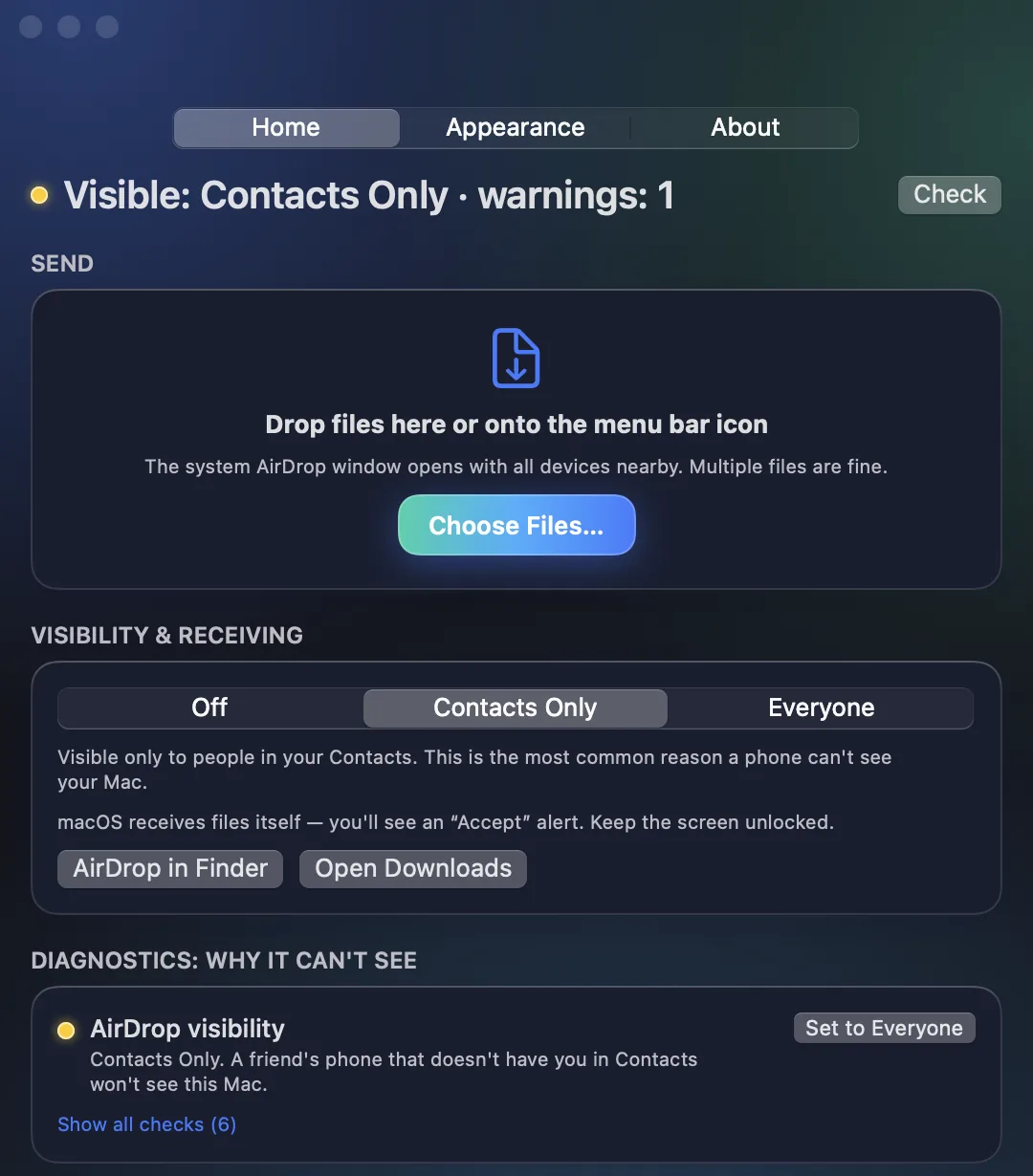 Send by AirDrop and see why a phone can't see your Mac
-
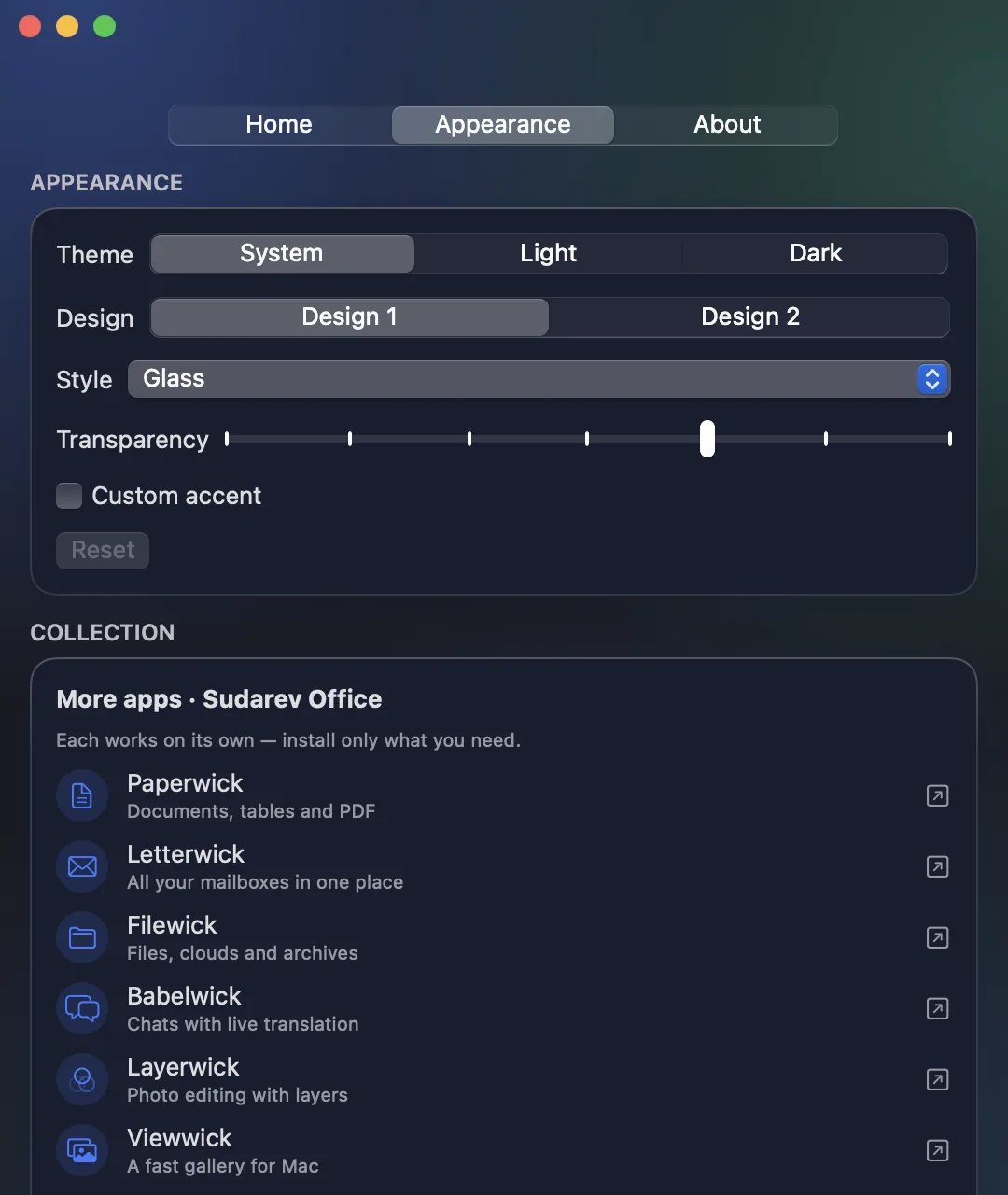 Glass design, themes and the whole Sudarev Office collection
-
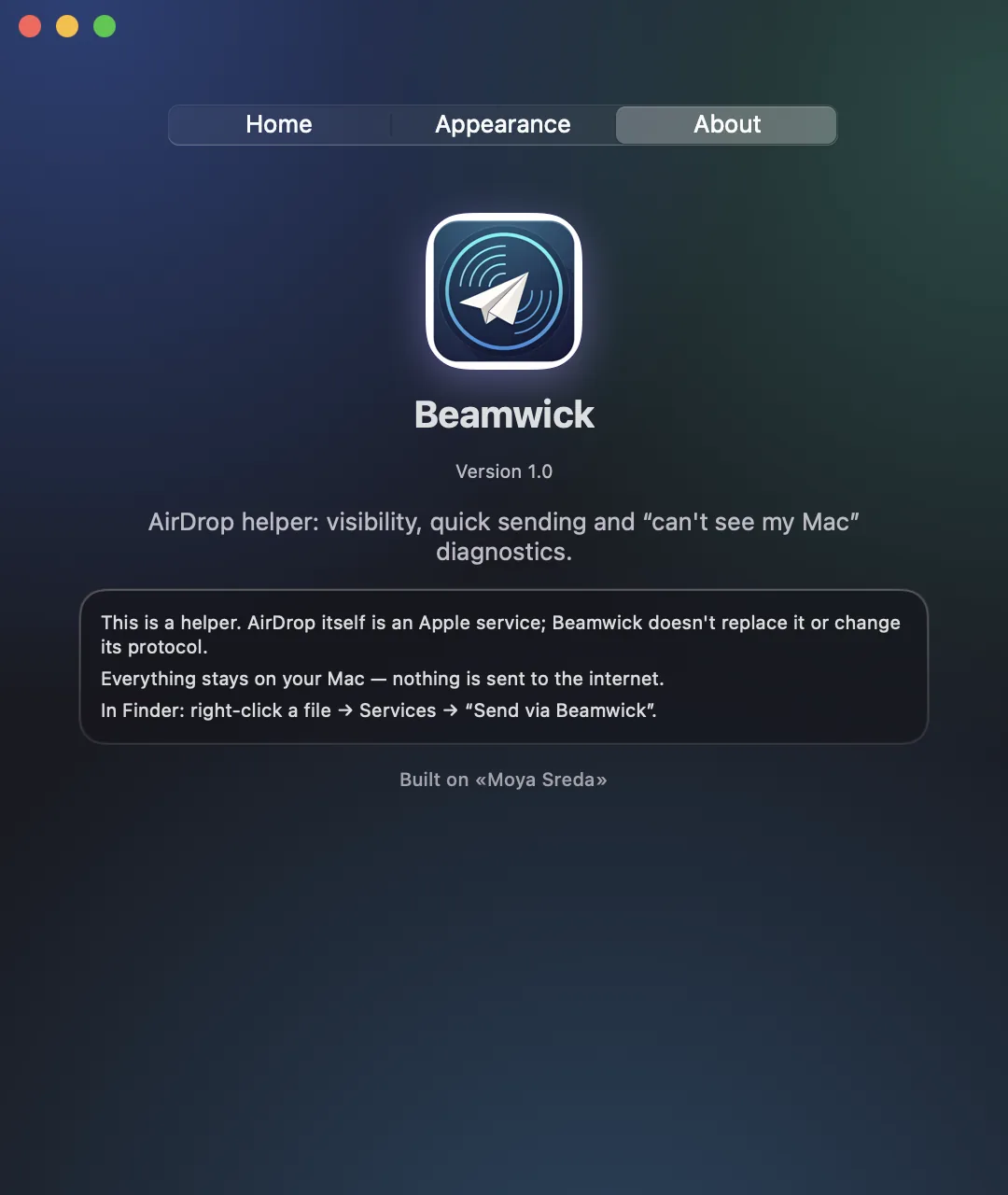 Everything stays on your Mac
About
Beamwick lives in your Mac’s menu bar and helps when AirDrop does not see nearby devices.
Diagnose
- Checks Bluetooth, Wi‑Fi, firewall, Internet Sharing and Focus
- Tells you what is wrong and opens the right System Settings pane
Fix
- Switch AirDrop visibility in one click: Off, Contacts only, Everyone
- Restart the system services behind AirDrop
Send
- Drag files onto the menu bar icon
- Finder service: right-click → Services → Send via Beamwick
- History of recent sends
Private
Beamwick by Sudarev · sudarev.app · Requires macOS 14 or later
- No ads, no tracking, no account, no server
- Everything stays on your Mac
More apps in the set
-
 PaperwickDocuments, tables and PDF
-
 LetterwickAll your mailboxes in one place
-
 FilewickFiles, clouds and archives
-
 BabelwickChats with live translation
-
 LayerwickPhoto editing with layers
-
 ViewwickA fast gallery for Mac
-
 KeepwickPasswords and secrets, offline
-
 CyclewickPrivate cycle calendar
-
 TrimKeepLossless video trimming